Clear your Saved Passwords in Google Chrome
After changing your Password, it’s a good idea to clear earlier (saved) passwords.
- Open the Chrome menu.
Click on three vertical dots in the upper right corner
- Select Settings.
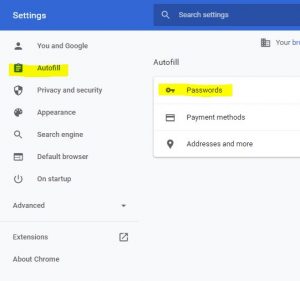
The Autofill section displays … - Click Passwords (as shown below)
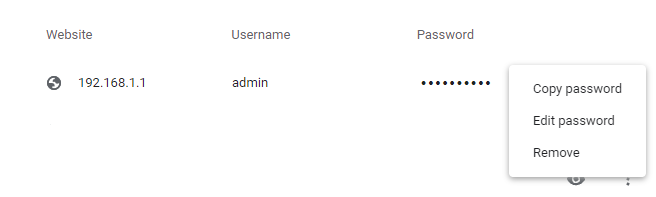
- Select the Password and account > click the 3 button ellipses icon > then Remove